
Using DC order limits with Shopify draft orders
Your DC Order Limits rules now cover cart, checkout, and draft order checkouts.
Setting it up
To set up draft orders with DC order limits, follow these rules:
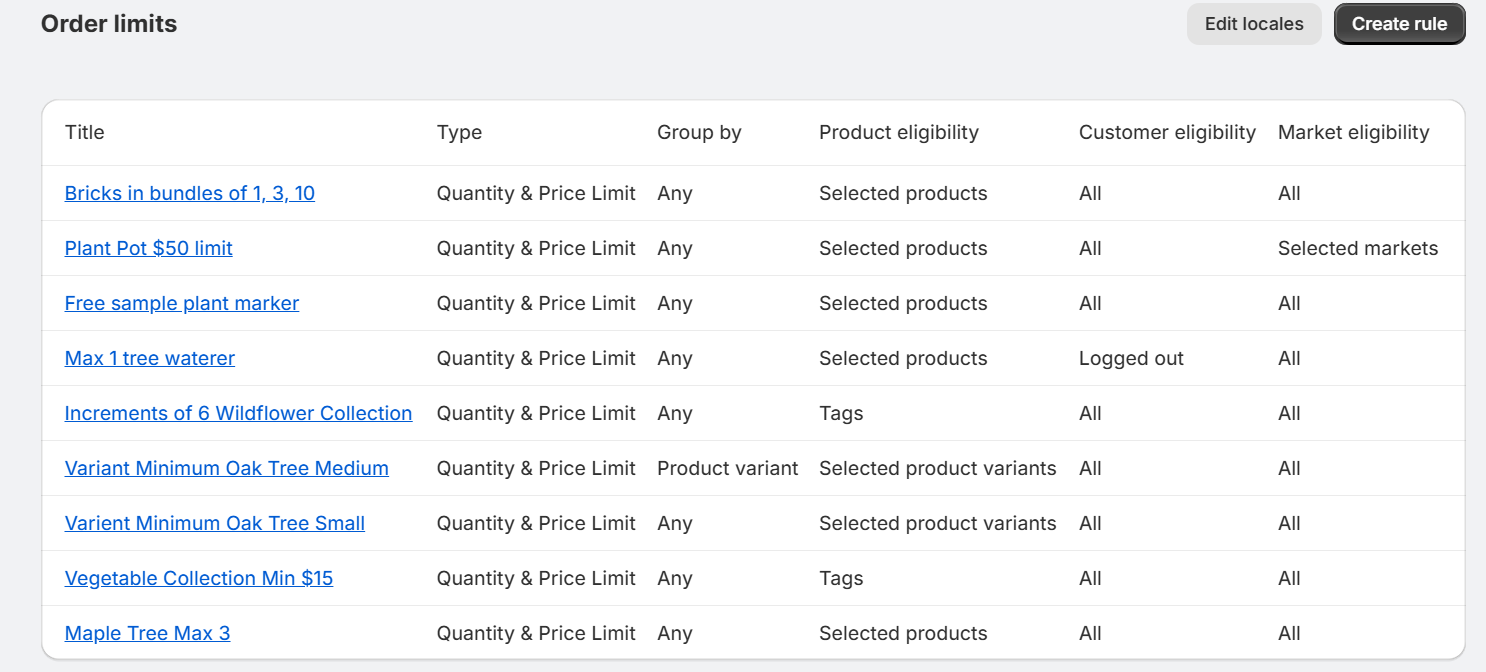
1. Create your order limit
Create a rule or edit an existing one.
2. Create a draft order in Shopify
- Go to Orders → Drafts → Create draft order.
- Click Browse products and add the products
-
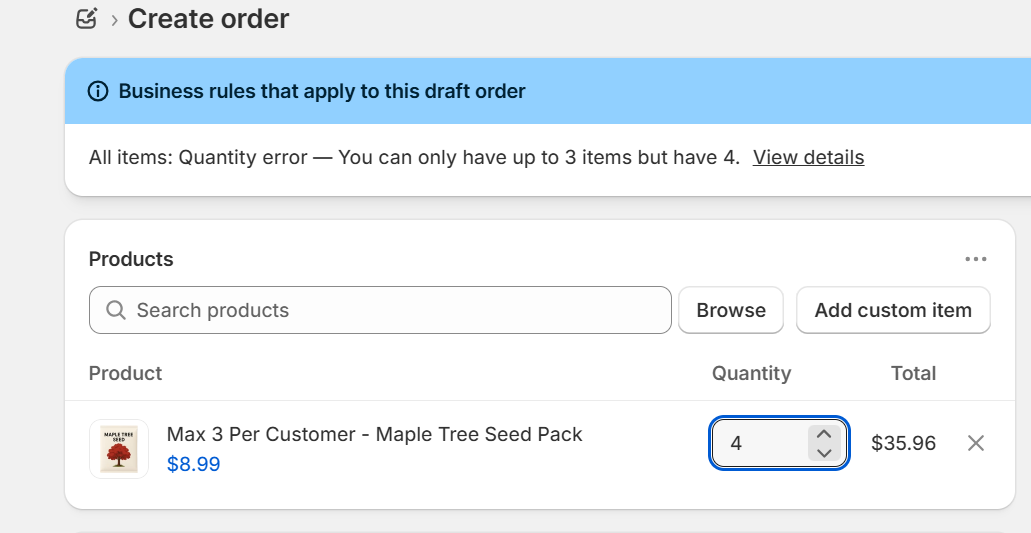
Set the quantities inside your allowed range, for example, 2, 3, or 4 of that product.
3. Send the invoice or collect payment
When the draft order looks good, choose how to finish it:
- Click Send invoice so the customer completes checkout, or
- Click Collect payment to mark it as paid in the admin
Shopify runs your DC Order Limits rules during checkout, the same way it does for normal cart and checkout.